
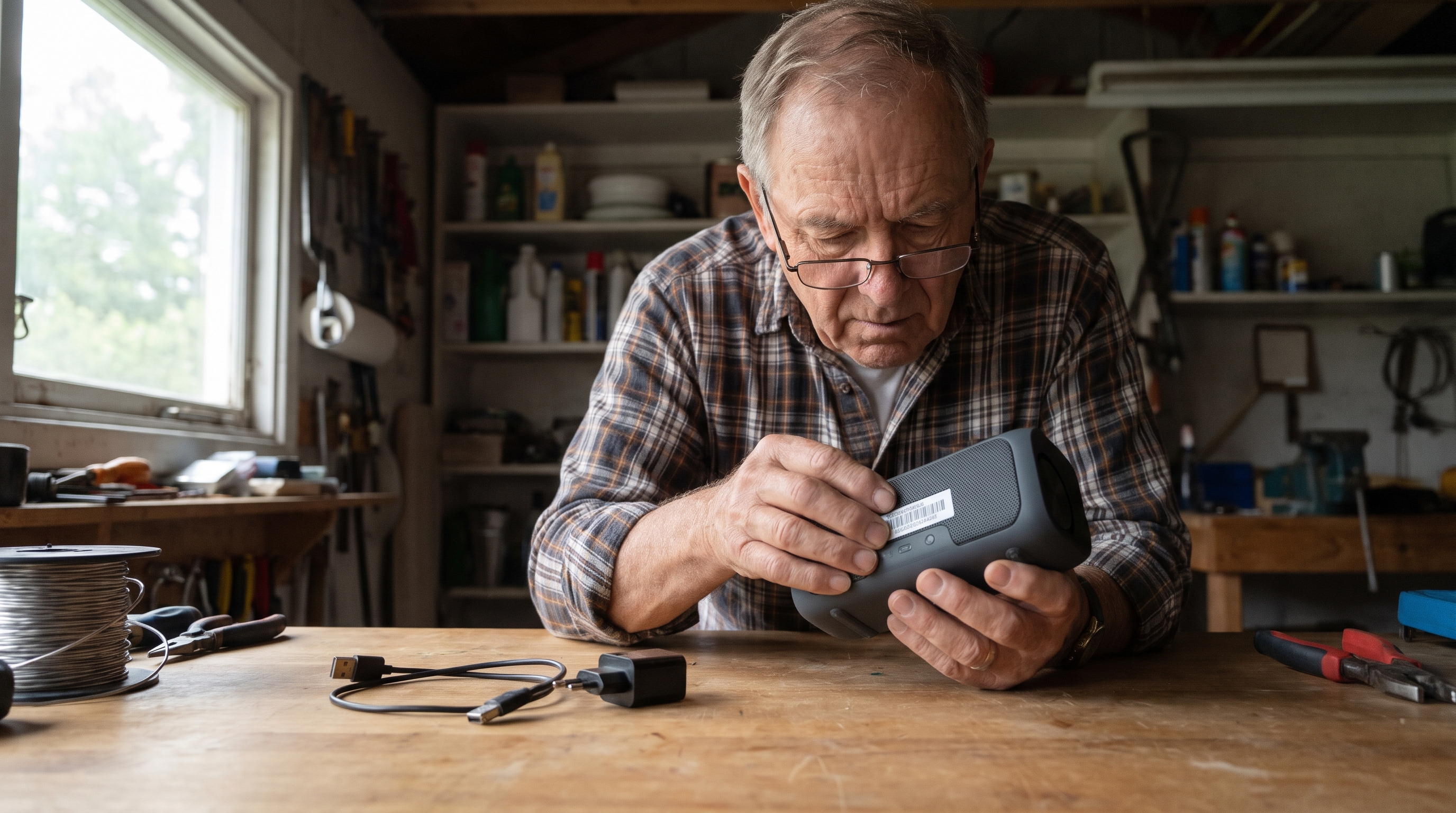
Your Daily Install connects what’s happening now with a useful lesson from the past—and one small thing you can do at home.
Print the worksheet, fill it in, and add it to your Household Resilience Network binder.
What’s happening now?
The rechargeable device is on the shelf. The cord is ready. But have you checked whether the battery belongs in a recall?
Yesterday, November 5, CPSC announced a recall of certain battery packs for Bose S1 Pro and S1 Pro+ portable speakers. The packs can overheat and ignite. The notice uses specific serial-number prefixes to identify them.
This does not mean every speaker or every rechargeable battery is affected. The exact battery record matters. Give one device a check before charging it for the next trip or outage.
Has this happened before?

On August 15, 2006, Dell announced a recall of about 2.7 million notebook battery packs in the United States. The packs used Sony-made cells and could overheat.
The notice listed several computer families. But owning one of those laptops did not settle which battery a person had. The identification number was printed on a white sticker on the battery.
Some packs had been sold with computers. Others had been sold separately. The part in the machine could matter as much as the name on the lid.
Owners were told to stop using recalled batteries and contact Dell for replacements. A portable computer was useful. Keeping the affected part in service was not the way to preserve that usefulness.
What happened next?
The remedy depended on identifying the pack and following the recall process. A working screen did not prove that the battery was outside the recall.
The new Bose notice points to the same useful habit twenty years later: check the part, not just the product’s familiar shape.
A charged backup is only useful if it is suitable to keep using. Today’s task is a record check, not opening battery cells, making repairs, or testing how hot a pack will get.
What if the routine did not start with another bottle?
Another bottle to sort. Another routine to remember. This at-home video takes a different route: finger pressure on body points. Which spots does it start with—and why those?
| See the Body-Point Routine → |
What can I do?
Spend 15 minutes checking one intact, powered-off rechargeable device. Find its product information safely and use the maker’s instructions to locate any required battery identifier. Compare with CPSC and the maker’s official recall page. If access is unclear, ask the company rather than opening a sealed case.
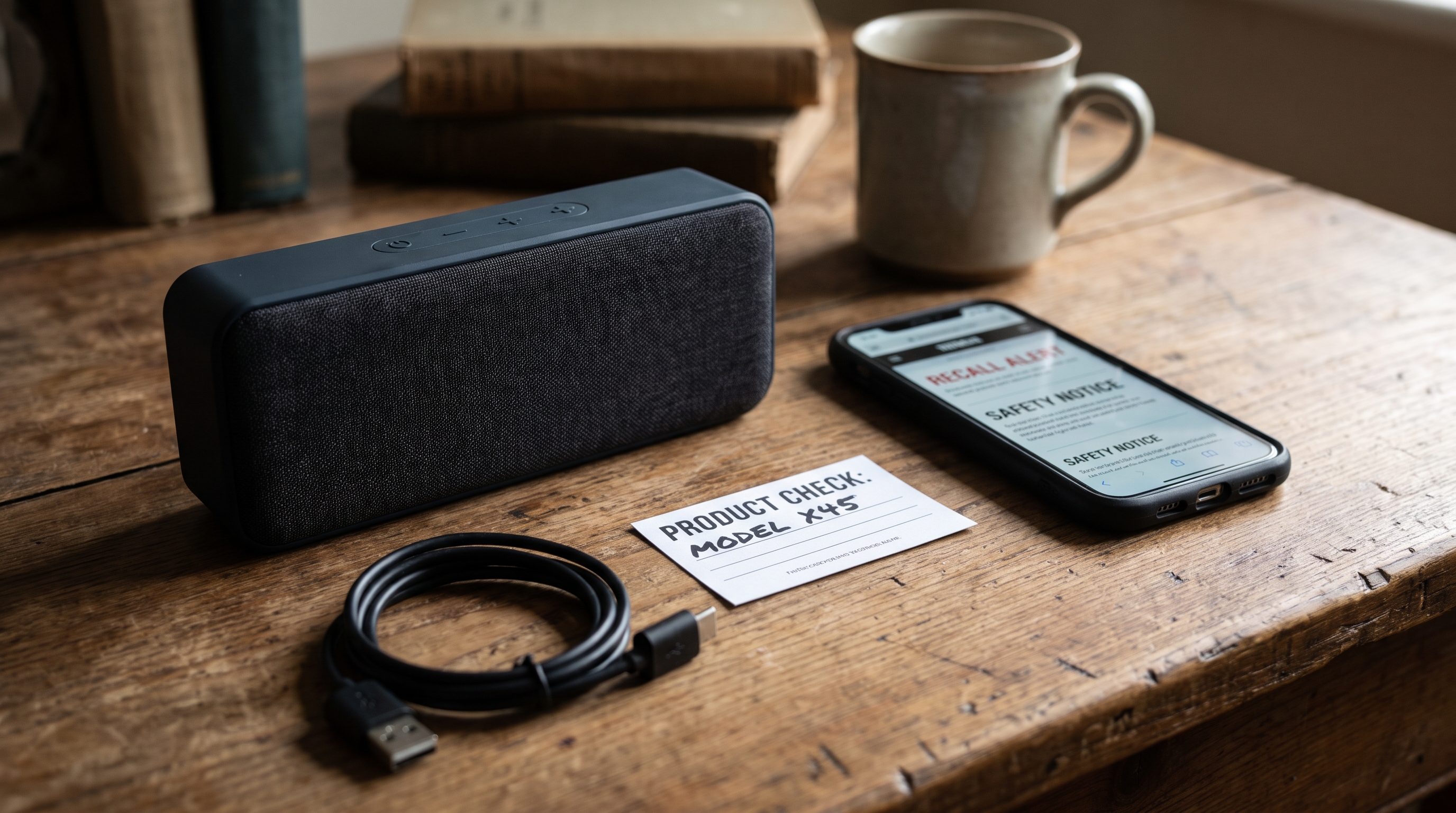
My Rechargeable-Device Check
1. Identify it
☐ Device off and unplugged for the check
2. Match the right record
☐ Part identifier checked, not just product shape
3. Follow through
☐ Matching recalled pack taken out of use
For a matching Bose pack, follow its recall instructions for removal, replacement and disposal. Do not place recalled lithium-ion batteries in household trash, curbside recycling or ordinary store battery bins.
Today’s win: one device has a dated recall check and a clear next step if its battery matches.
What if the next handful came from home?

Herbs for dinner. Greens for a sandwich. The COMPLETE 4 Foot Farm Blueprint shows how to start with food you already eat, using a small outdoor spot or an indoor setup.
See the current $7 offer: all 10 Action Plans, both bonuses and instant digital access.
| See the $7 Complete Blueprint → |
Stay steady,
David Stone
Survival Stronghold
P.S. Which rechargeable device would you check first: speaker, power bank, or laptop? Hit reply and tell me. Forward this to someone packing rechargeable gear for a trip.
P.P.S. Two useful next reads: